.png)
The inventory report hiding on your website | coreWEEKLY
Welcome back to coreWEEKLY, your go-to guide for working smarter, not harder, in retail. Most firearms retailers track what sold, but completed purchases only tell half the story. Every query typed into your website’s search bar is direct customer intelligence—revealing what buyers are actively hunting for, including the items they couldn't find. In the spirit of capturing every revenue opportunity, this week we're exploring how your site's search bar functions as a powerful inventory report and an early warning system for missed sales.
This week's corePOW walks through the Sales Dashboard, showing you how to turn daily store traffic and online shopping behavior into real-time revenue insights. Over at the Resource Center, we break down how to connect a custom domain to your blog. Plus, catch up on the replay of coreBLAST Episode 20 to see Coreware's latest platform innovations in action.
Let’s dive right into this week's playbook!
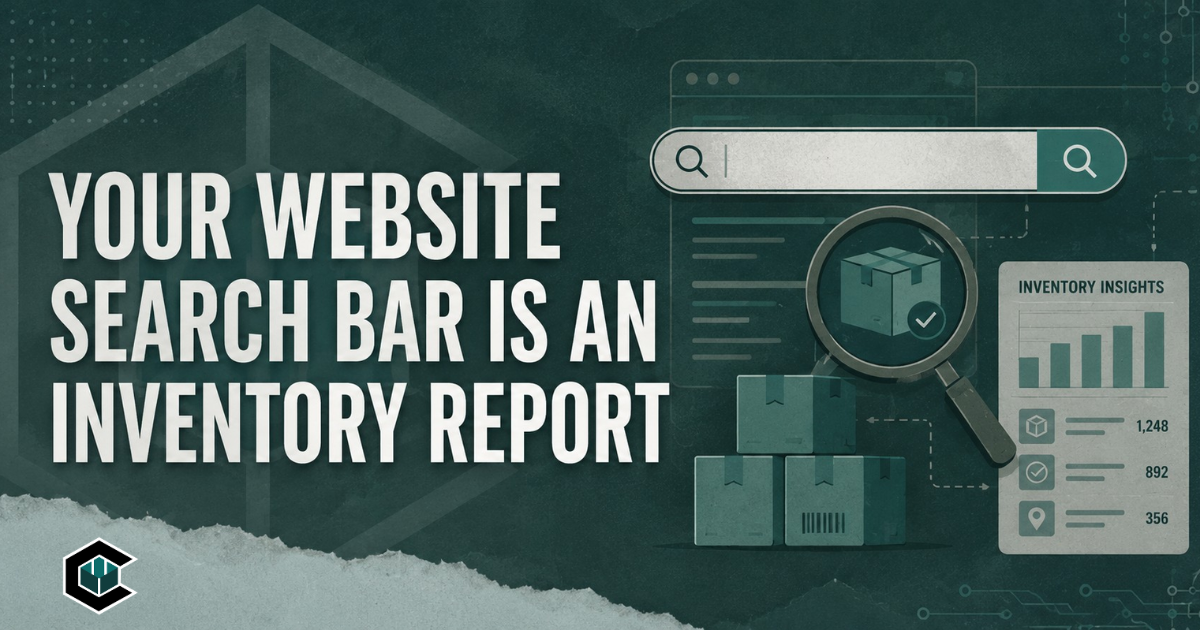
Your Website Search Bar Is an Inventory Report
Most firearms retailers already spend time reviewing what sold. They look at daily revenue, compare product performance, watch inventory levels, and try to understand which categories are moving. This information shows where customers were willing to spend money, however, completed sales only tell part of the story.
Your website may be collecting another form of customer intelligence every day, and there is a good chance nobody is looking at it. Every time someone types a product, brand, service, or class into your website’s search bar, that person is expressing interest in something they believe your business may offer.
corePOW:
Sales Dashboard Demo
In this episode of corePOW, Ezra and Joel walk through the Coreware Sales Dashboard and show how firearms retailers can turn everyday sales activity into actionable data. From daily sales and revenue trends to store traffic patterns and online shopping behavior, this dashboard gives dealers a clearer view of what is happening across their business in real time.
The video highlights how users can quickly filter sales by today, this week, this month, or custom time periods, making it easier to track performance and spot revenue trends without digging through spreadsheets or static reports. It also shows how dealers can review data by individual location or across all locations, giving multi-store businesses a better way to monitor performance and make smarter decisions.
Resource Center:
How to Connect a Custom Domain to Your Blog
This guide walks you through the process of connecting a custom domain to your Coreware blog. You will add your domain, set up DNS records with your domain provider, and verify everything to make your blog accessible on your own branded URL. Screenshots are provided for each step to make the process easy to follow, even if you've never managed domains before.
.png)
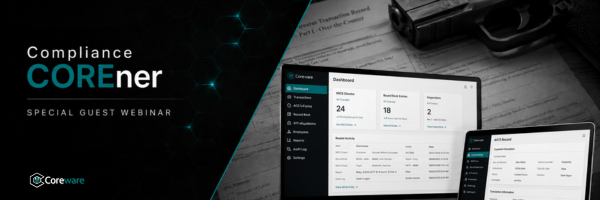
Upcoming: Compliance COREner
Compliance doesn't have to be a headache when you have the right playbook.
Compliance COREner will feature a special guest to break down the latest regulatory shifts and share actionable strategies to keep your operations bulletproof. Stay tuned for registration details!
Replay Ready: coreBLAST Episode 20
coreBLAST is more than an update; it’s where Coreware’s major developments are revealed, explained, and put into action. Catch the Episode 20 replay to stay ahead of the curve.
.png)
.png)
.png)
.png)
.png)
.png)