coreBLAST With Ezra - Episode 4: Catch up on everything from the live session, now available on-demand. Watch the Replay
The Coreware Blog
Stay updated with the latest industry insights, practical advice, and expert opinions to help you stay ahead.
Recent Articles

coreWEEKLY _ Week of December 15th to December 19th
Your weekly dose of innovation, inspiration, and insights.
When Things Flow Better, Everything Else Follows
🛠 What’s New – CoreY-Powered Checkout
We cleaned things up behind the scenes. Checkout settings are now easier to navigate, split into General and Mini-cart sections, with tools like customer file uploads that add flexibility without slowing things down.
🎥 Replay Ready: Catch the Latest coreBLAST
If you couldn’t join live, the replay’s ready. It’s packed with updates, practical insights, and smart moves worth stealing for your own setup.
🤖 Watch With Webby
Want help while you watch? Webby sticks with you during every replay, answering questions and pointing things out as you go, like having a teammate on standby.
🌟 Five-Star Review of the Week
The notes you send, the questions you ask, the feedback you share, it all helps us build tools that fit how your day actually runs. That back-and-forth is what keeps things moving in the right direction.
💬 Your Voice, Your Coreware
Got an idea or something you wish worked a little differently? Tell us. We’re always listening.
🗂 coreARCHIVE – Your Time Capsule
Missed something? Want to rewind? Every coreWEEKLY lives in the archive, ready whenever you are.
— The Coreware Team

New CoreY-Powered Checkout Settings
Introduction
Checkout is the critical final step in any online sale – it’s where a smooth experience can make the difference between a completed purchase and an abandoned cart. We’re excited to introduce our new CoreY-powered checkout configuration, packed with features that make the process faster, smarter, and more customizable for Coreware customers. In this article, we’ll walk through what’s new in the checkout settings and how you can use these tools to create a better experience for your shoppers. No fluff, just the facts and features you need to know.

What's New
New CoreY powered checkout settings
The Features tab is now organized into two sections: General checkout settings and Mini-cart settings, making it easier to configure and customize the checkout experience.
General checkout settings
Control core checkout functionality with the following options:
Customer order file
Allows customers to upload supporting documents with their order. Uploaded files appear in the Order notes section on the Review step of the checkout flow.

Checkout the Video Below:


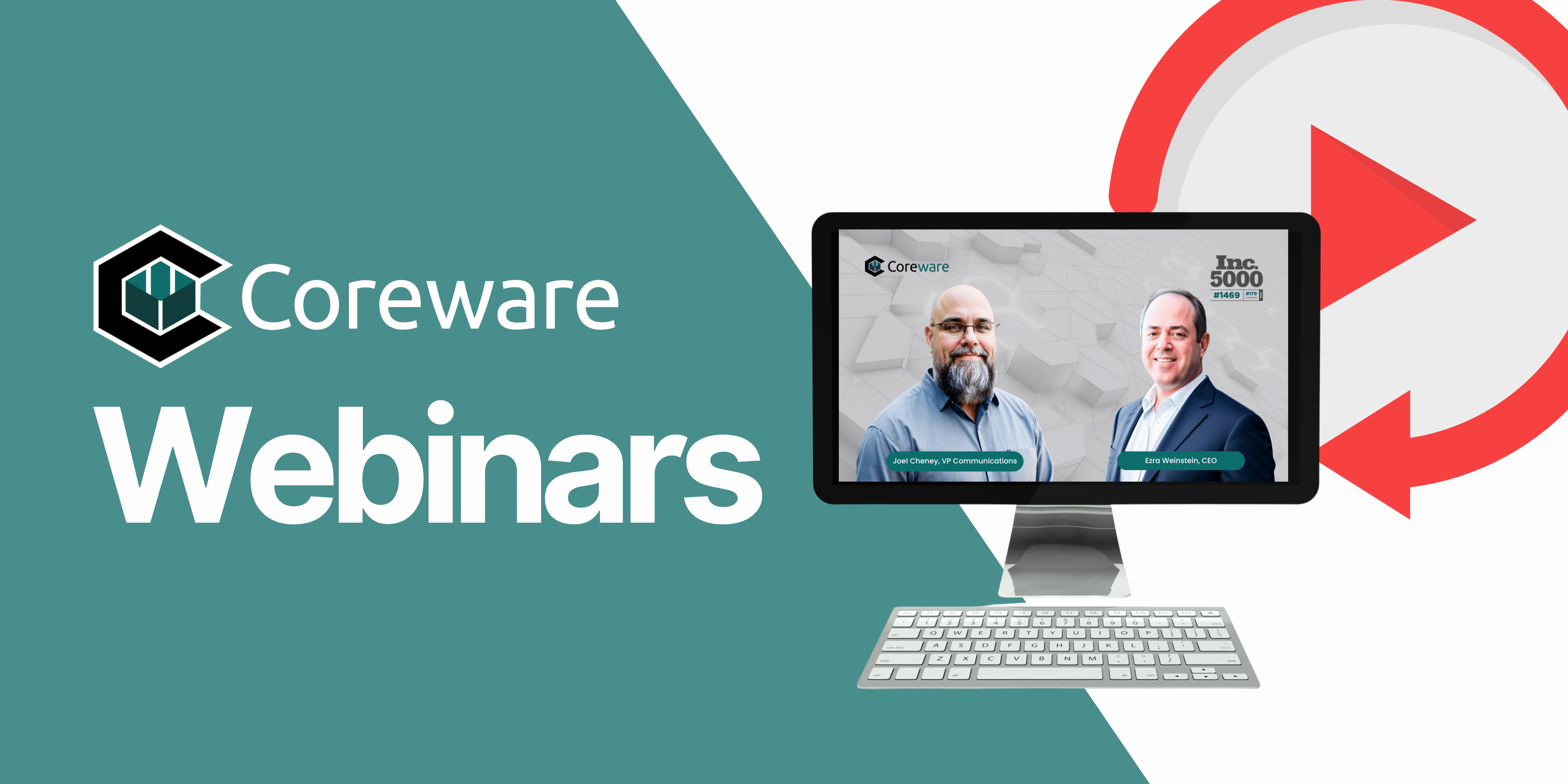
Replay Ready: Watch the Latest coreBLAST
Couldn’t make it live? No problem.
The replay is now available, catch up on the latest insights, updates, and smart moves shared in this episode.

Webinar Recaps:
Watch with Webby by Your Side!
Missed our latest webinar? No worries! Now you can watch the recap whenever it fits your schedule. But here’s the game-changer, meet Webby, your perfect webinar companion. As you watch, Webby is right there with you, ready to answer any questions or provide extra insights on the spot. It’s like having an expert by your side the entire time. Ready to dive in with Webby? Click below to start watching and chatting!


💬 Your Voice, Your Coreware – Share Ideas & Feedback
Have a suggestion, spotted a bug, or need specific training materials? We want to hear from you! Visit our feedback board to submit your ideas, requests, or issues, and help shape the future of Coreware.