.png)
Still manually updating your inventory? | coreWEEKLY
In coreSHOP Session 3, we explored Coreware’s tools for spotting slow-moving stock, comparing distributor costs, and building customizable bundles.
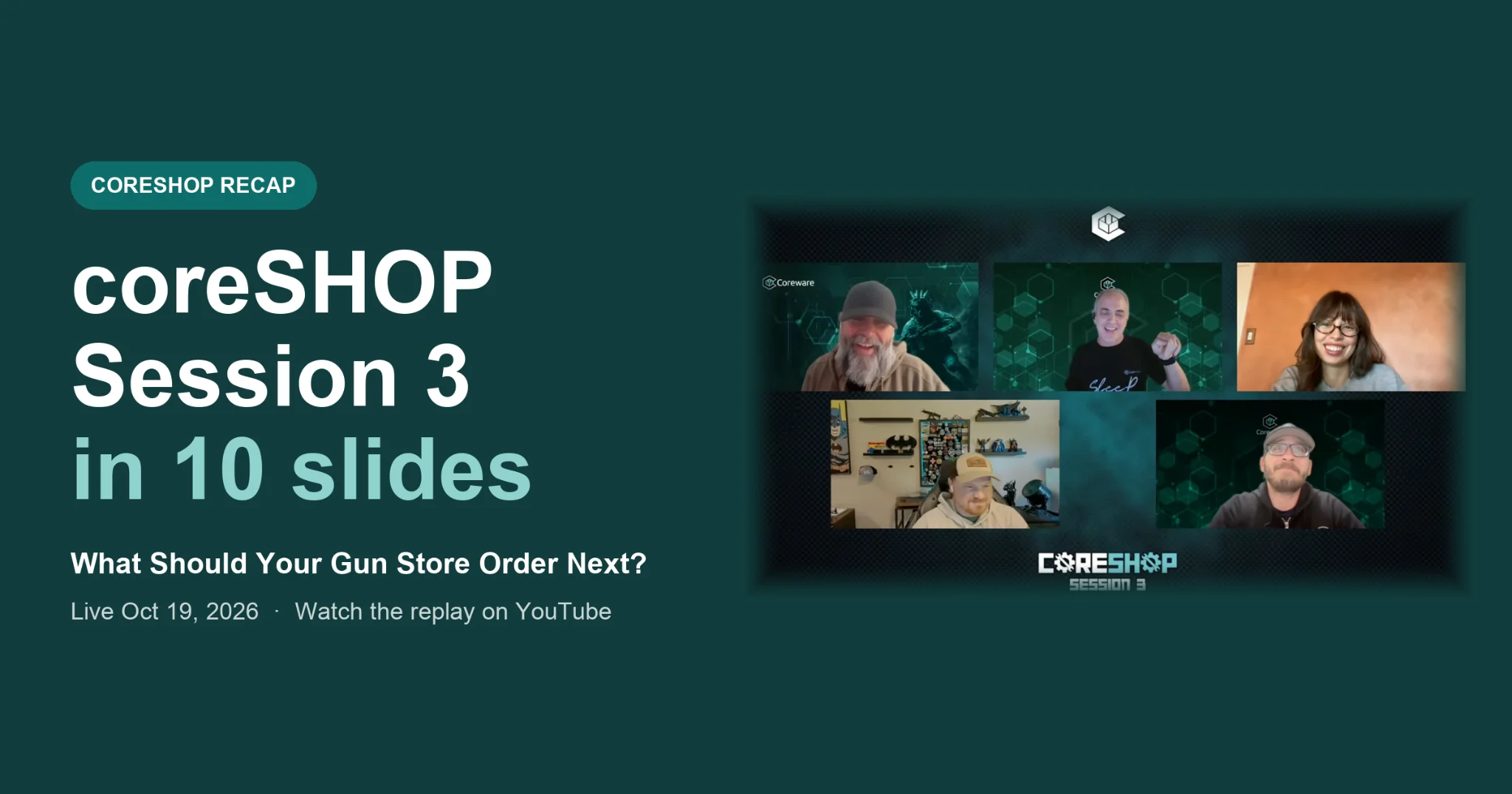
Missed the workshop? Our 10-slide visual recap takes about 3 minutes to read, with links to each demo so you can jump straight to the tools most useful to your store. Click the image below to get started.
Resource Center:
Overview of the Products Module and FAQs
Between fast-moving shelf stock and online orders, your inventory needs to stay completely in sync. This guide breaks down the Products Module from the ground up, showing your team how to organize your catalog, connect live distributor feeds, and manage pricing and web visibility without missing a beat.
.png)
.png)
Save the Date: coreSHOP Session 4
What happens when a customer makes a purchase or fills out a form? In coreSHOP Session 4, we'll cover how to use Action Plans to automate what happens next, from simple follow-ups to more advanced workflows tailored to your business. Save the date for Tuesday, October 27.
Replay Ready: coreSHOP Session 3
In coreSHOP Session 3, we explored how to create targeted direct-mail campaigns, build customizable product bundles, and use Coreware’s inventory and purchasing tools to protect margins and make smarter buying decisions. See the tools in action:
.png)
.png)
.png)
.png)
.png)
.png)